Alienum phaedrum torquatos nec eu, vis detraxit periculis ex, nihil expetendis in mei. Mei an pericula euripidis, hinc partem.

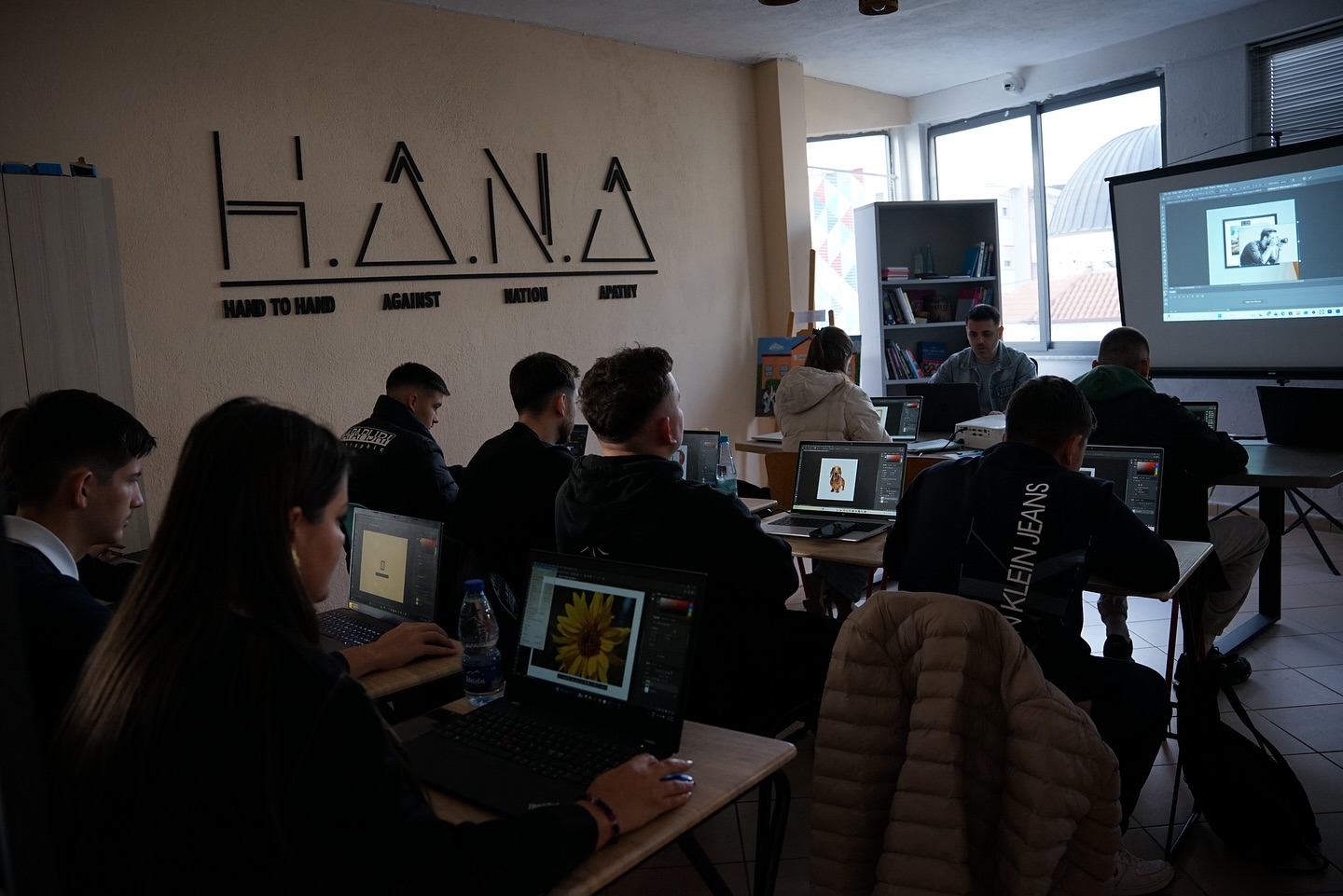
In this session of the Web & Graphic Design course, the focus was on Adobe Photoshop and Selection Tools — one of the most essential skills for any designer working with images and graphic manipulation.
During the session, participants learned:
• Rectangular Marquee Tool – for creating precise rectangular or square selections, with the ability to modify and move them accurately.
• Lasso Tool – in its various forms (Lasso, Polygonal, Magnetic), perfect for freeform or angular selections, suitable for objects with distinct edges.
• Object Selection Tool – leveraging artificial intelligence to automatically select objects with high precision.
• Quick Selection Tool – for fast and efficient selection of areas with similar colors and textures.
• Magic Wand Tool – for selecting uniform color areas easily and editing them.
Two additional important tools were also introduced:
• Perspective Crop Tool – for correcting perspective in images
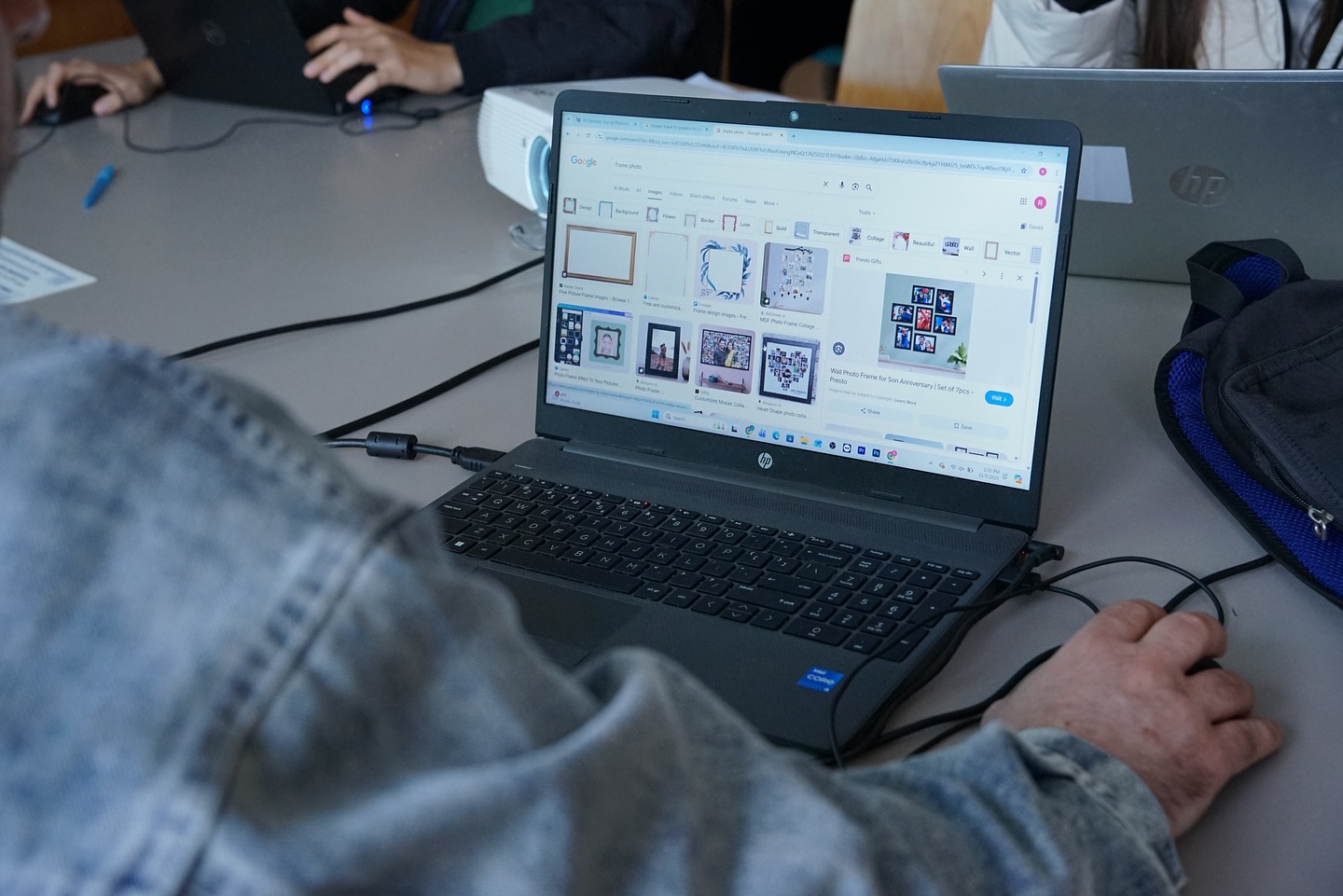
• Frame Tool – for designing and containing images within frames
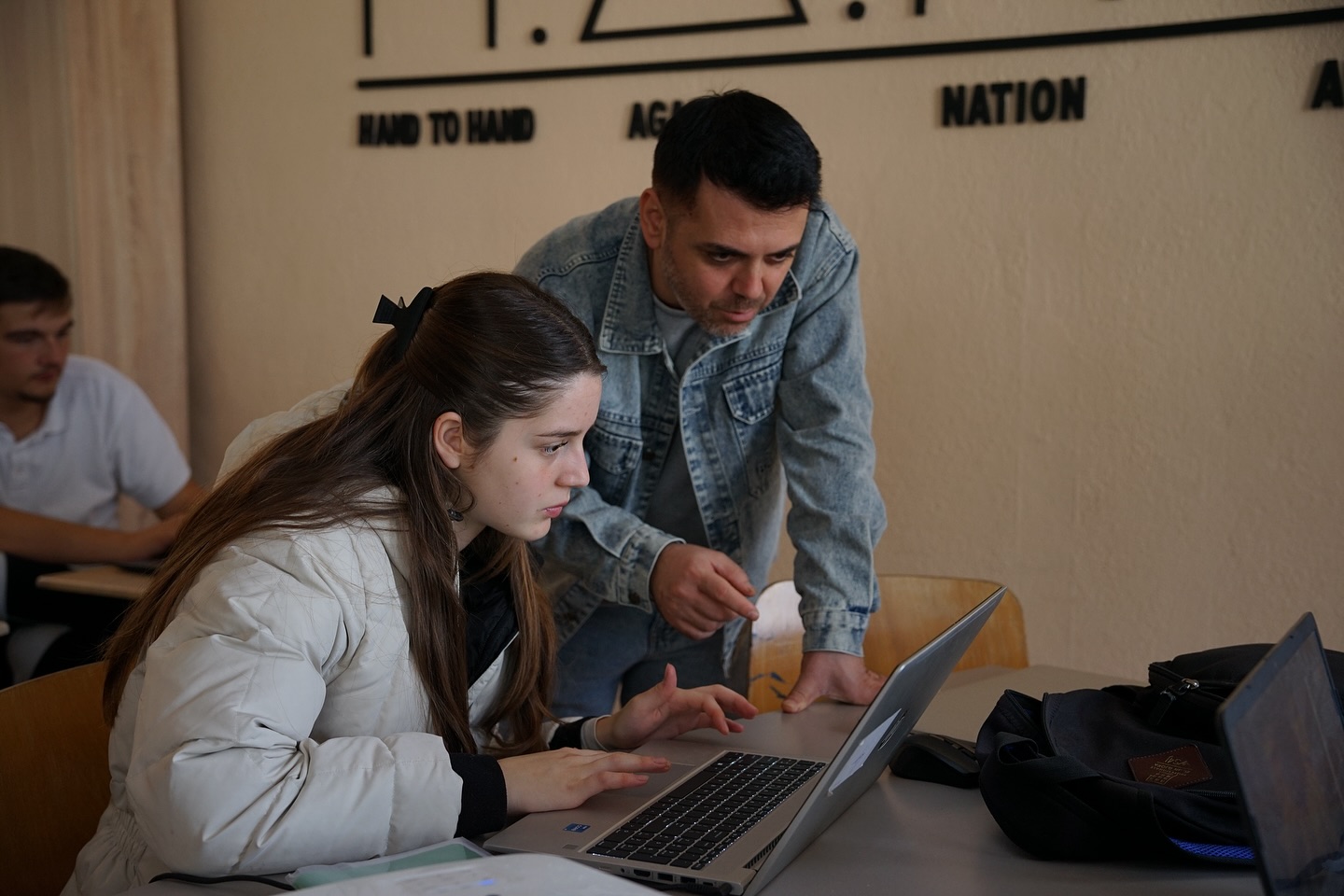
To practice these skills, participants completed a series of hands-on exercises, applying the selection tools to create accurate and professional edits. This session emphasized the importance of mastering selection techniques as a foundation for advanced image editing in Photoshop.