Alienum phaedrum torquatos nec eu, vis detraxit periculis ex, nihil expetendis in mei. Mei an pericula euripidis, hinc partem.

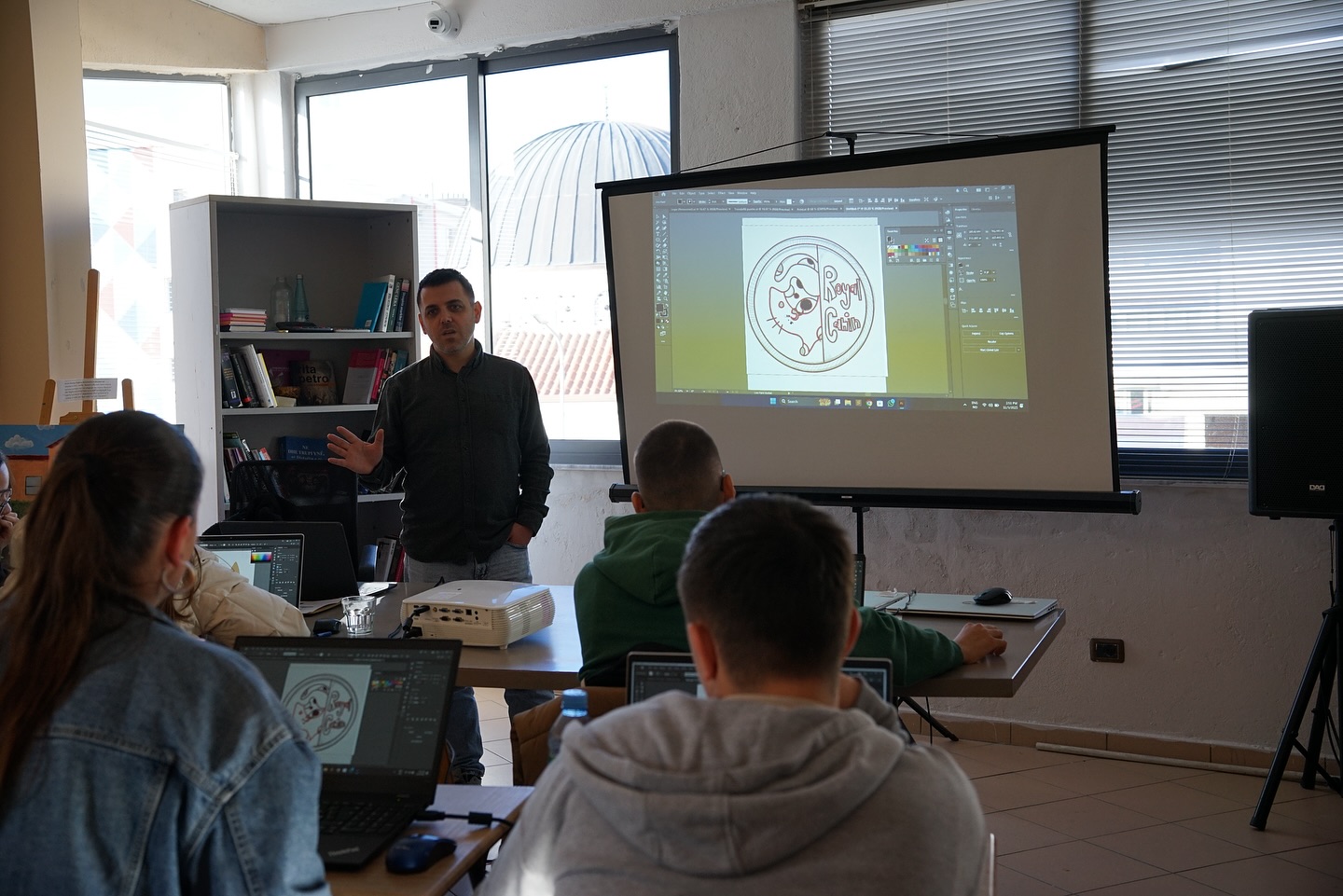
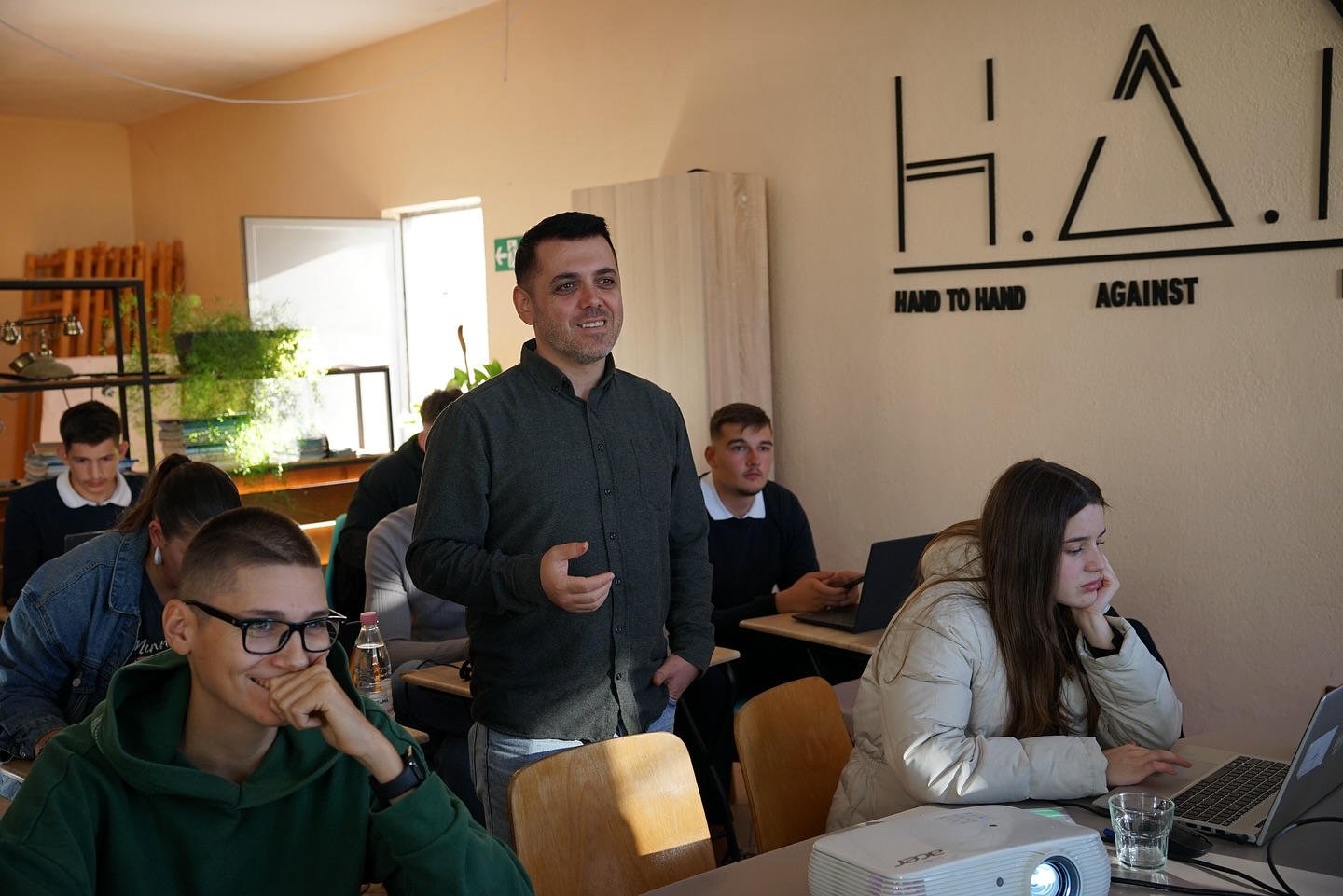
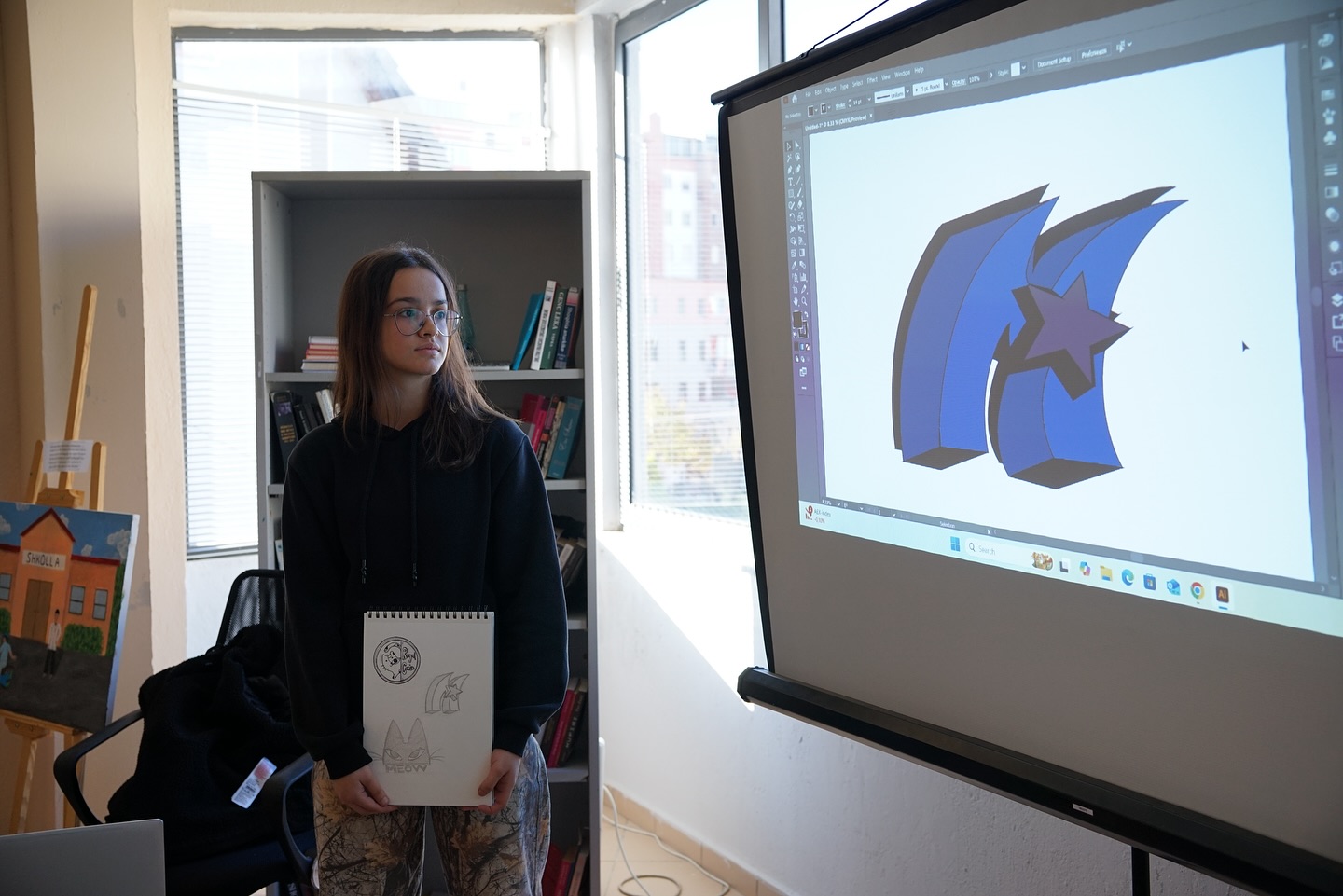
In the latest session of the Web & Graphic Design course at H.A.N.A, participants began by sharing their original logo designs created in Adobe Illustrator. This activity provided a valuable moment for reflection and the exchange of ideas about their creative processes and technical development.
Following this, participants were introduced to Adobe Photoshop, one of the most powerful and widely used programs in the world for image editing and graphic design. The session covered key concepts distinguishing raster graphics from vector graphics, and how Photoshop uses pixels to create and edit high-detail images.
Participants also learned about the main elements of the Photoshop interface, including:
• Canvas – the workspace
• Layers – for organizing elements
• Tools – essential editing instruments
• Panels – supportive interface components
During the practical portion, students practiced using key Photoshop tools, such as:
• Move Tool – to reposition objects
• Selection and Crop Tools – for selecting and trimming images
• Brush and Eraser Tools – for painting and corrections
• Type Tool – for adding text
• Zoom Tool – for working on fine details
The session continued with lessons on layers and visual effects, including Layer Styles and Gradients, equipping participants with versatile tools to enhance their designs. By the end of the session, students were exploring the wide possibilities that Photoshop offers for professional graphic design projects.